
Global Search
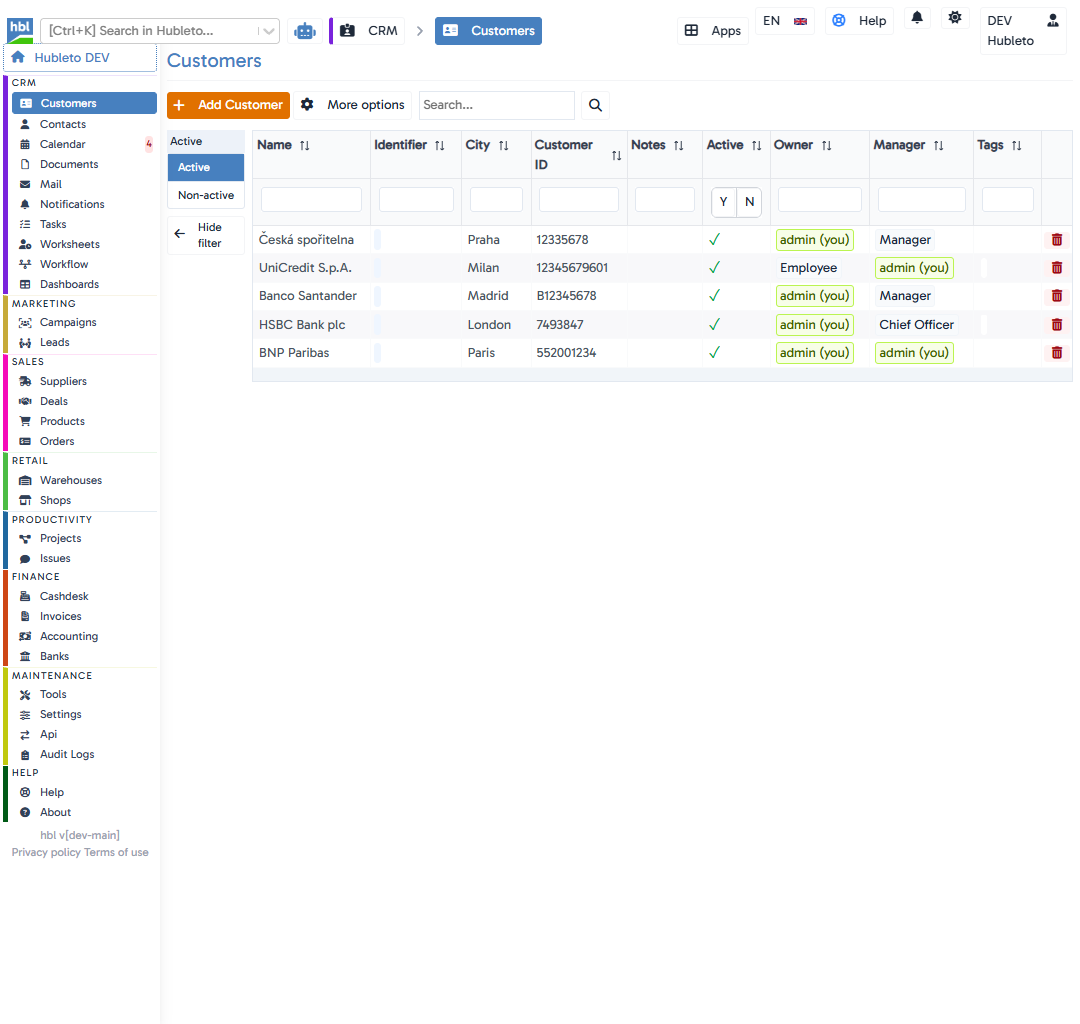
The Hubleto Global Search bar, located at the top left of your screen next to the logo, is more than just a simple search field. It acts as a powerful command palette that helps you navigate and find data instantly across all your enabled apps.
Key Features
You can activate the Global Search at any time by pressing Ctrl+K on your keyboard, or by simply clicking on the search input field.
Full-Text Search
By typing a regular keyword (like a customer name, a document title, or an invoice number), Hubleto performs a full-text search across all available applications.
The results will display a clean list where each item clearly indicates which app it belongs to (e.g., Customers, Documents, Campaigns), allowing you to quickly jump directly to the relevant record.
App Selectors (>)
App selectors are special tags like, e.g. >deals, filtering what app should be used to search. Using app selectors makes search faster and more effective because it directly points to a certain app and ignores searching in other apps.
Example:
>deals D25-005will invoke search in the deals app with the expression D25-005.
The app selectors are intuitive, try using >contacts or >tasks.
Switches (/)
Switches behave a bit differently from App selectors. By providing a switch (e.g., /tasks), you may directly specify what kind of data you want to search. One switch may be assigned to more than one app.
Example:
/tasks T25-005will search for tasks (or related data) across the whole Hubleto, containing the identifier T25-005.
Switches can also have their shorthand variants. For example, /t is equal to /tasks.
Quick Actions
Clicking on any result from the dropdown list will instantly redirect you to that record, document, or app dashboard, drastically speeding up your day-to-day workflow.