v0

Add contact to customer

You may add any number of contacts to the customer
1

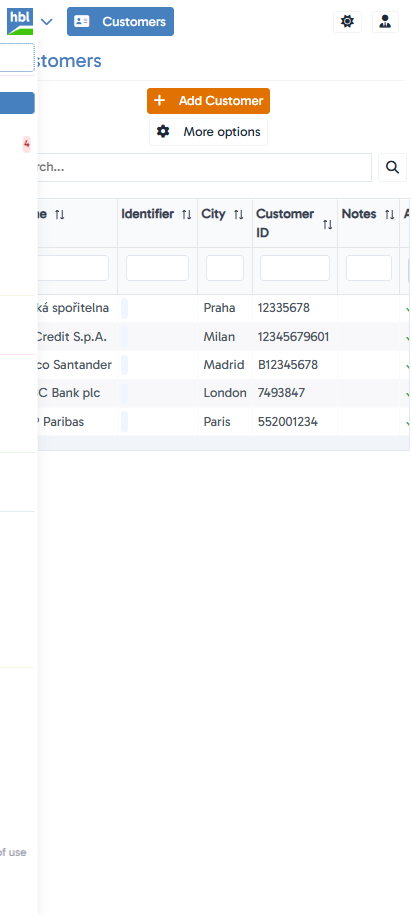
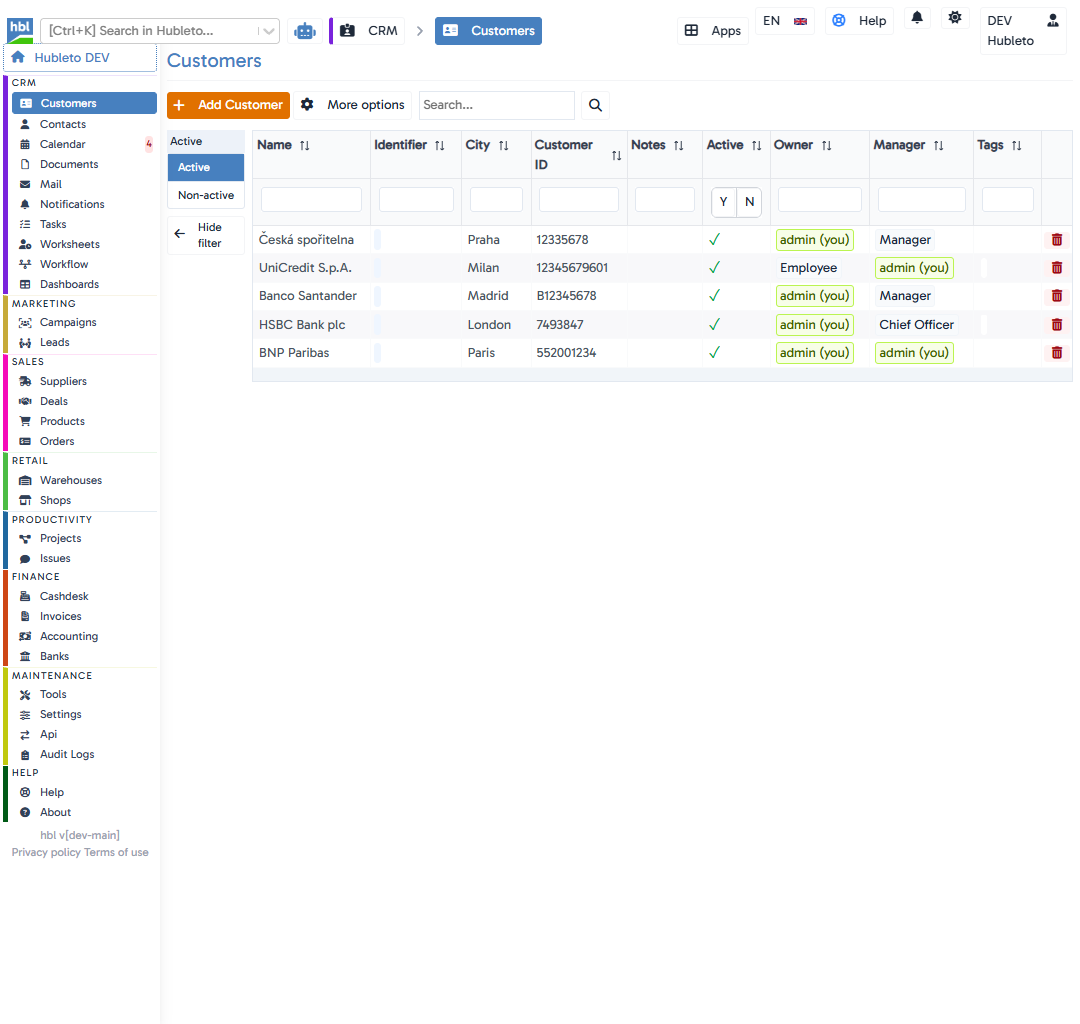
Go to CRMCustomers

Go to `CRM` → `Customers` Go to `CRM` → `Customers` - mobile version
 Show in demo
2

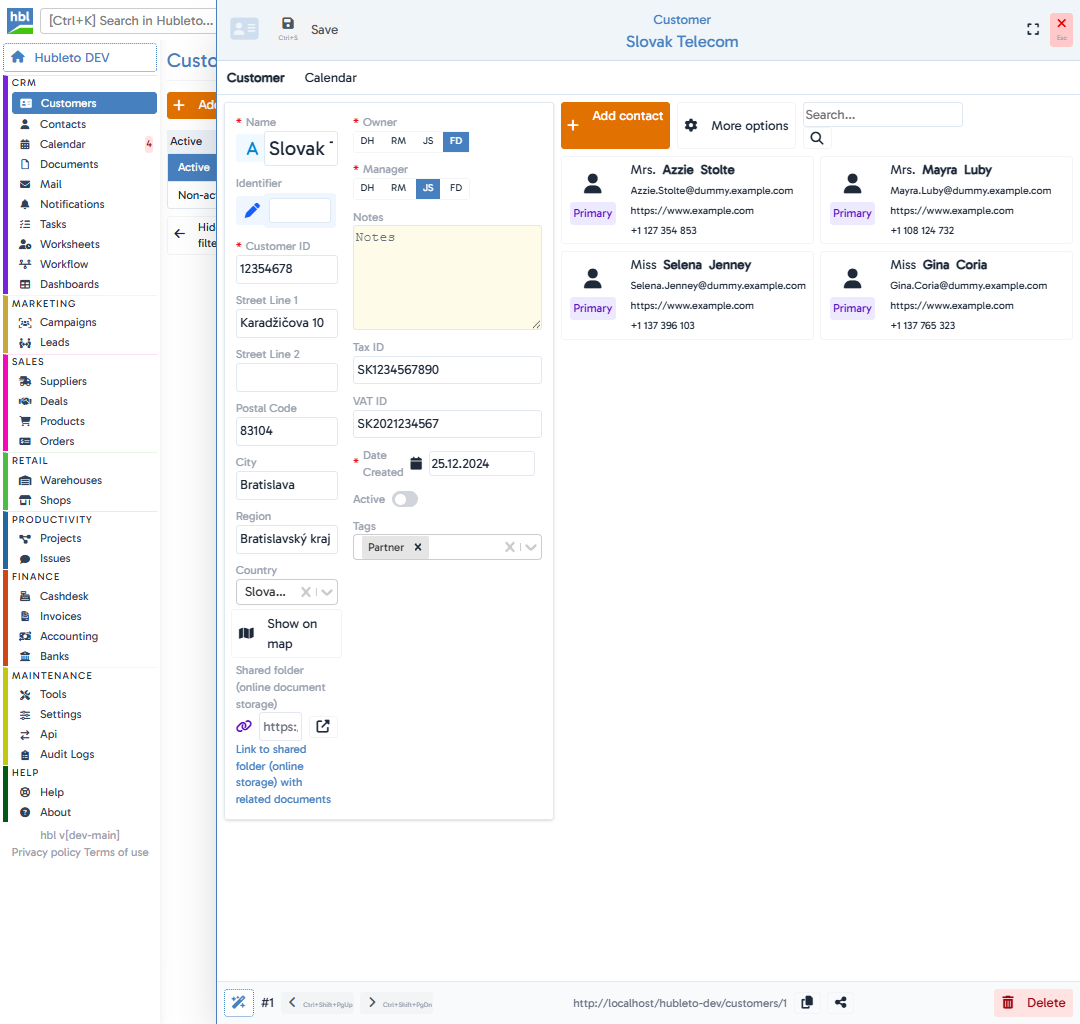
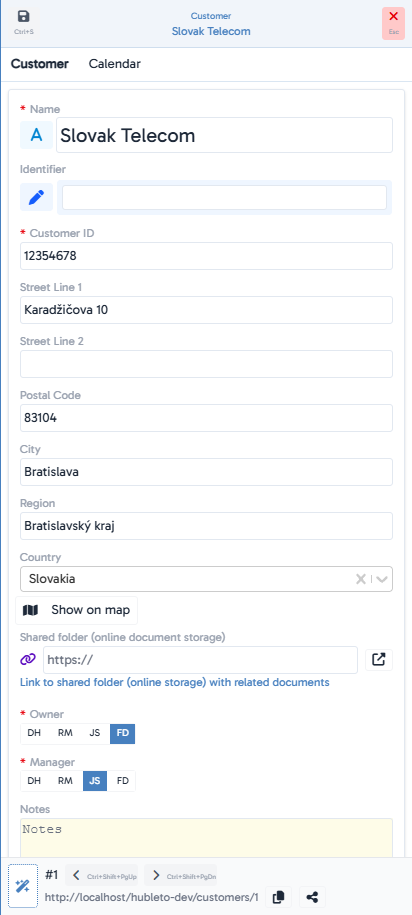
Find the customer and open it

Find the customer and open it Find the customer and open it - mobile version
 Show in demo
3

Click

Click <button class="btn btn-add"><span class="icon"><i class="fas fa-plus"></i></span><span class="text">Add contact</span></button> Click <button class="btn btn-add"><span class="icon"><i class="fas fa-plus"></i></span><span class="text">Add contact</span></button> - mobile version
 Show in demo
4

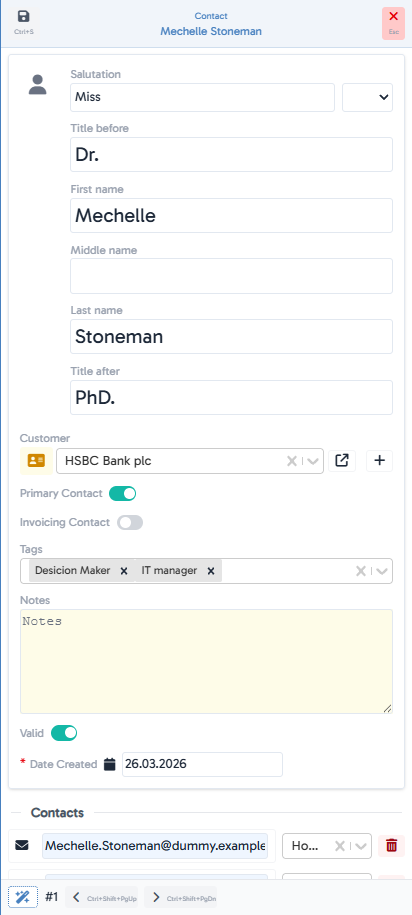
Fill in contact data

PRO TIP: Set as Invoicing contact if you want to send invoices to this contact.
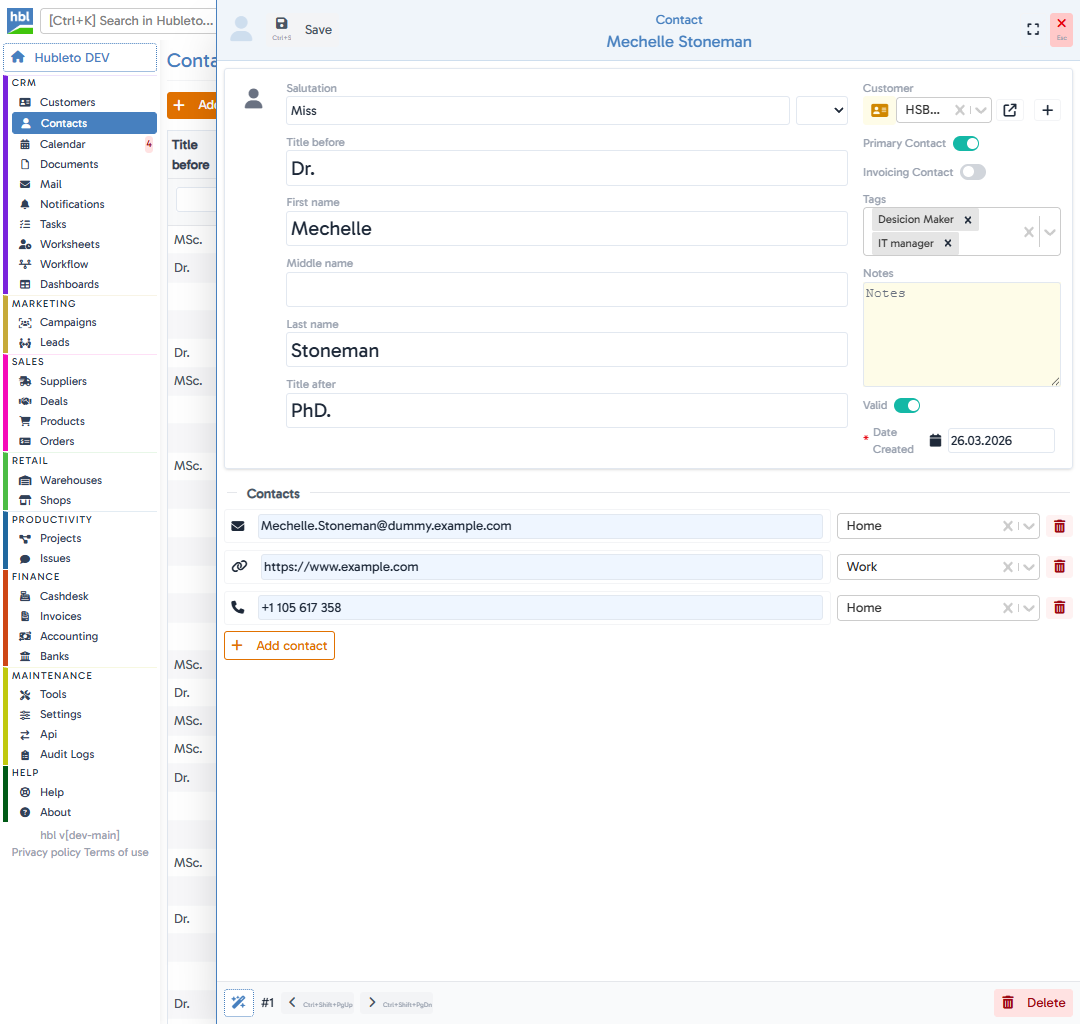
Fill in contact data Fill in contact data - mobile version
 Show in demo
5

Click

See also

Browse customers
Create customer
Modify customer
Add contact to customer